Android devices are becoming more powerful than ever, but these compact gadgets can have their shortcomings. To improve your Android experience, you should consider accessorizing your devices. The following list will give you some ideas.
Protective cases
No matter how careful you are with your Android device, there’s always a chance you can accidentally drop it.
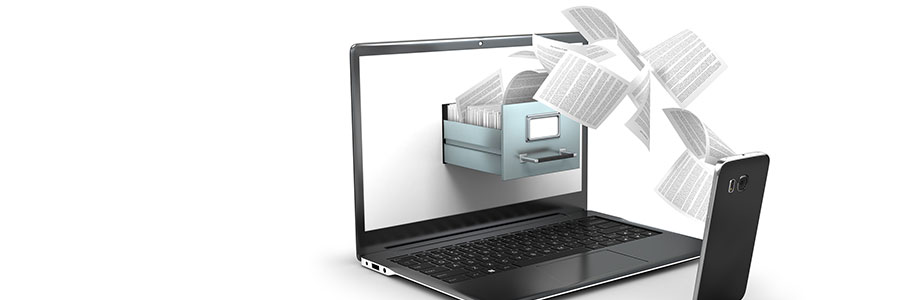
You can’t risk losing important files on your Android phone, whether they be treasured family photos or detailed client notes. It’s best to be prepared for the worst and back up your data on your Mac or PC. Here’s a guide to how you can do just that.
More and more organizations are using mobile devices to conduct various business processes, from staying in touch with customers and partners to performing financial transactions. This fact is not lost on cybercriminals — they’re launching ransomware to get into Android devices and hold the data on these devices hostage in exchange for large sums of money.
Android devices are prone to thousands of mobile malware and other security risks. The good news is that you don’t need advanced technological know-how to protect your Android phone or tablet from such threats. All it takes is tweaking your device settings and downloading the right protection software.
Zscaler recently reported that 17 adware apps in Google Play were downloaded over 120,000 times. These apps display unwanted advertisements on your device and collect marketing-type data about you, generating revenue for their operators in the process.
Android devices are among the most popular devices on the market today. With a wide variety of features and designs, users have an abundance of choices. Not only that, but there are also more than two million apps available on the Google Play Store. Unfortunately, some of these are rogue software developed by cybercriminals under the guise of credible developers — and these apps can be hard to unmask.
When using an Android smartphone for the first time, users receive a prompt from apps like Google to enable location services. Users may decide to accept it because it’s convenient — no need to enable it every time you open an app. But that also means letting Google track all your activities.
Letting mobile data consumption go unchecked can cause serious problems, such as slower connections and a decreased battery life. This is on top of expensive fees that you will incur. To help you use less data on an Android phone, here are some tips.
As much as Google tries to keep their products safe and secure, they’re not immune to malware. If a malicious software infiltrates your Android operating system, it can compromise the sensitive information contained in your device. Here are a few tips on how to detect and remove malware from your Android device.
Most people nowadays swap between their computer and their smartphone for their productivity needs — from work to passion projects to simply running their daily lives. It’s simpler than ever to do so, thanks to Google Chrome’s sync-up features for Android phones.
We use cookies to ensure that we give you the best experience on our website. Unless you've selected "Allow", our website will deactivate the cookies session by default.