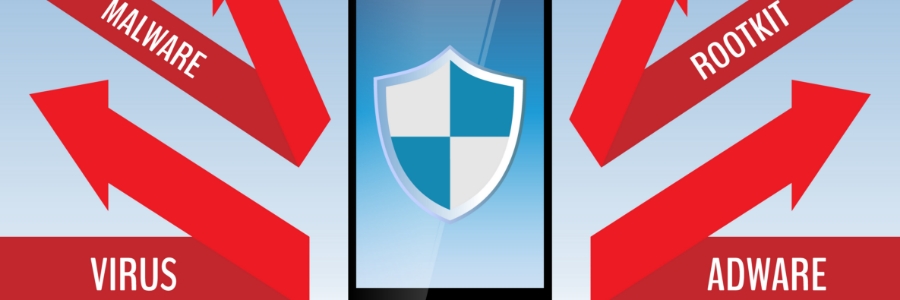
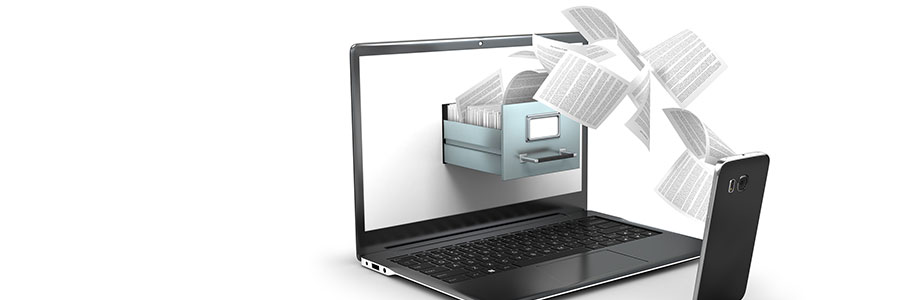
In recent years, ransomware has become increasingly sophisticated and widespread, infecting not just Windows PCs but also Android smartphones and tablets. If you’re concerned about the security of your Android devices and your business, read on for tips on how to protect yourself from mobile ransomware.
Is your Android device’s home screen packed with randomly arranged apps — including those you’ve never used before? A cluttered screen makes it difficult to find the app you want to use. One way to access these apps quicker is to organize them in folders, and this guide will show you how.
With so many applications found on the Google Play Store, it shouldn’t be surprising that Android devices can get infected with potentially unwanted programs, or PUPs, like adware apps. These are not only annoying but they can also steal private information such as credit card details.
The location tracking feature in Android smartphones makes it easier to use certain apps like Google Maps and Uber. For example, turning on the location feature on your phone makes it easier for you to locate the nearest diner or bank. However, enabling your phone's location services has security implications.
Your precious Android tablet is a handy tool for you to get work done and communicate on the go. But like all electronic gadgets, your Android tablet can disrupt your sleep. Lack of sleep can hinder your performance at work and, in turn, negatively affect your business operations.
Cybercriminals will stop at nothing to steal business data, and one of their go-to tactics is exploiting the vulnerabilities in employees’ mobile devices. So if you’re looking for a way to beef up your cybersecurity strategy in the age of remote and hybrid working, implementing mobile threat detection (MTD) solutions is a good place to start.
If you use an Android device with a data plan, it's important to be able to control the data you use on downloads. Otherwise, you could end up with a decreased battery life, slower connection speeds, and higher bills. Here are five ways to avoid these.
Having a wide range of helpful features has made Google Chrome one of the top web browsers in the market today. In particular, its ability to sync data with Android phones and tablets is one of its most useful features, as it makes it easy for users to swap between devices and stay on top of work and personal tasks.
Android devices are becoming more powerful than ever, but these compact gadgets can have their shortcomings. To improve your Android experience, you should consider accessorizing your devices. The following list will give you some ideas.
Protective cases
No matter how careful you are with your Android device, there’s always a chance you can accidentally drop it.
You can’t risk losing important files on your Android phone, whether they be treasured family photos or detailed client notes. It’s best to be prepared for the worst and back up your data on your Mac or PC. Here’s a guide to how you can do just that.
We use cookies to ensure that we give you the best experience on our website. Unless you've selected "Allow", our website will deactivate the cookies session by default.